
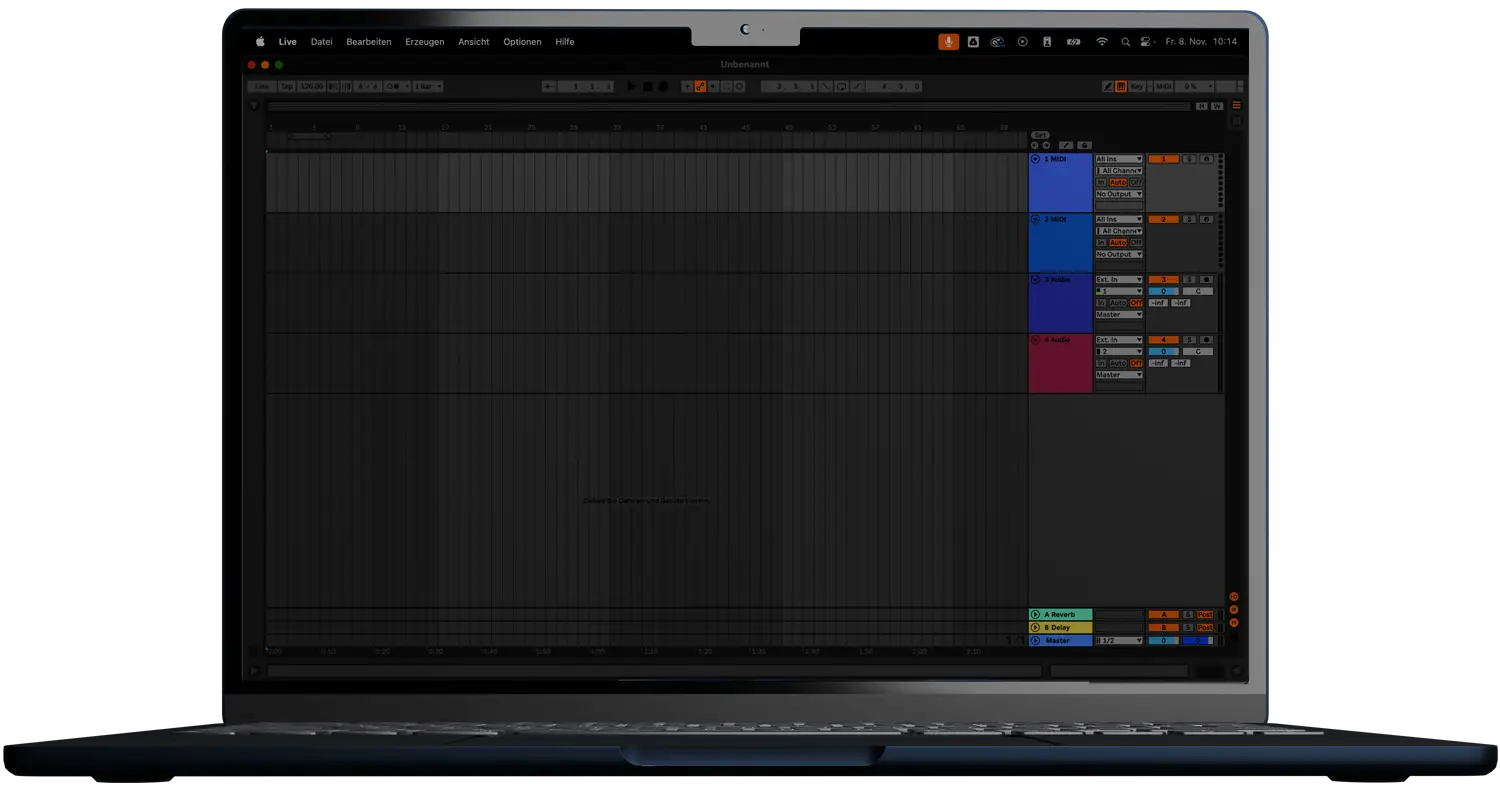



Why do I need THE_SMOOTHER 2?
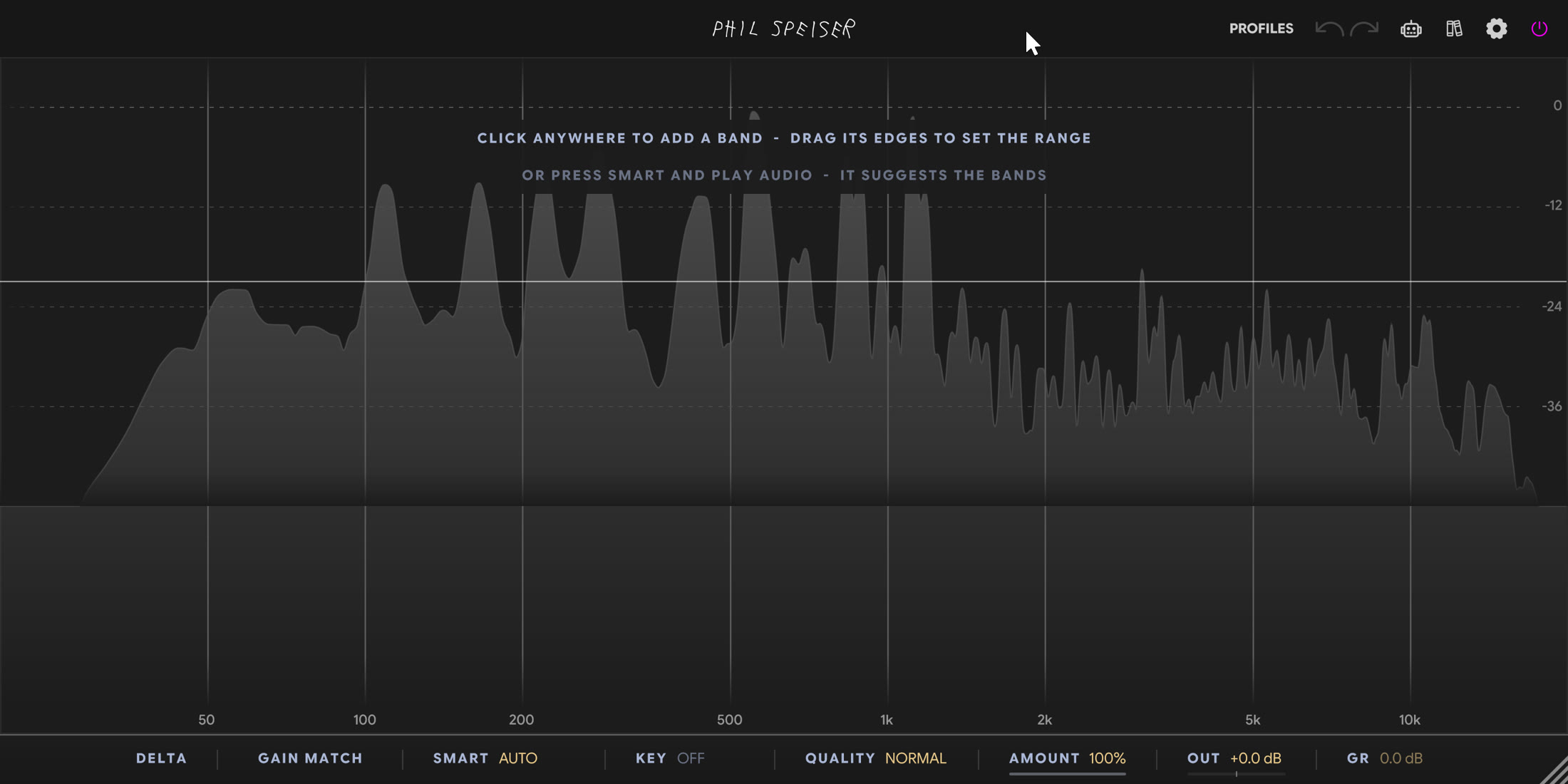
Harshness is rarely the whole sound. It's a few resonant frequencies, louder than everything around them - and the EQ cut that fixes them dulls your sound for the entire song. So I built THE_SMOOTHER 2 to cut only the resonance, only while it's there, and leave your notes, your hits and your air exactly where they were.
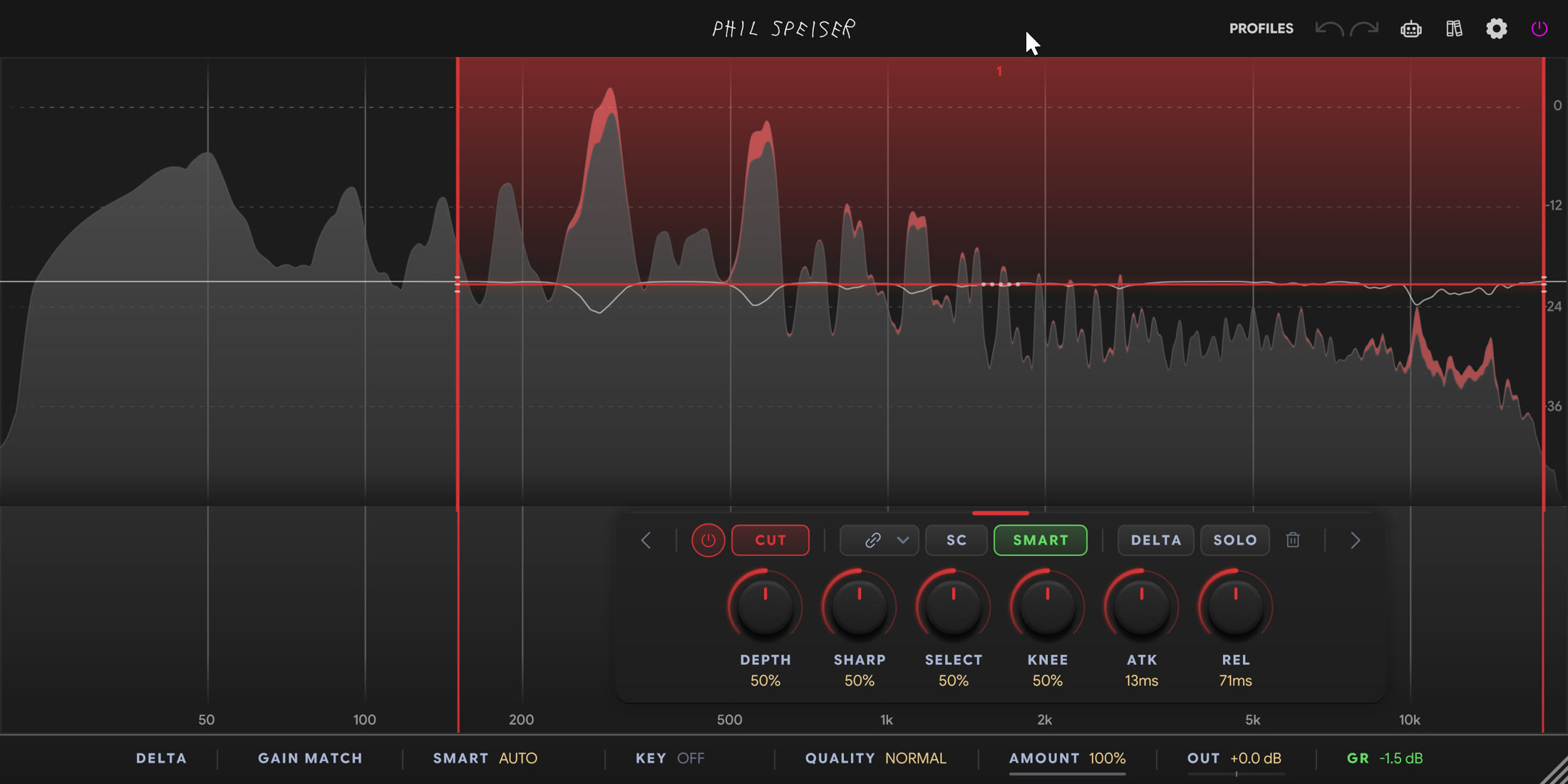
TAKES THE RING. LEAVES THE NOTE.
THE_SMOOTHER 2 catches a resonance the moment it starts and pulls only that frequency down. A held note keeps its body, a drum hit keeps its attack, and the space between the peaks stays untouched. The bigger the resonance, the deeper the cut - and nothing smears.
SMART FINDS THE PROBLEM FOR YOU.
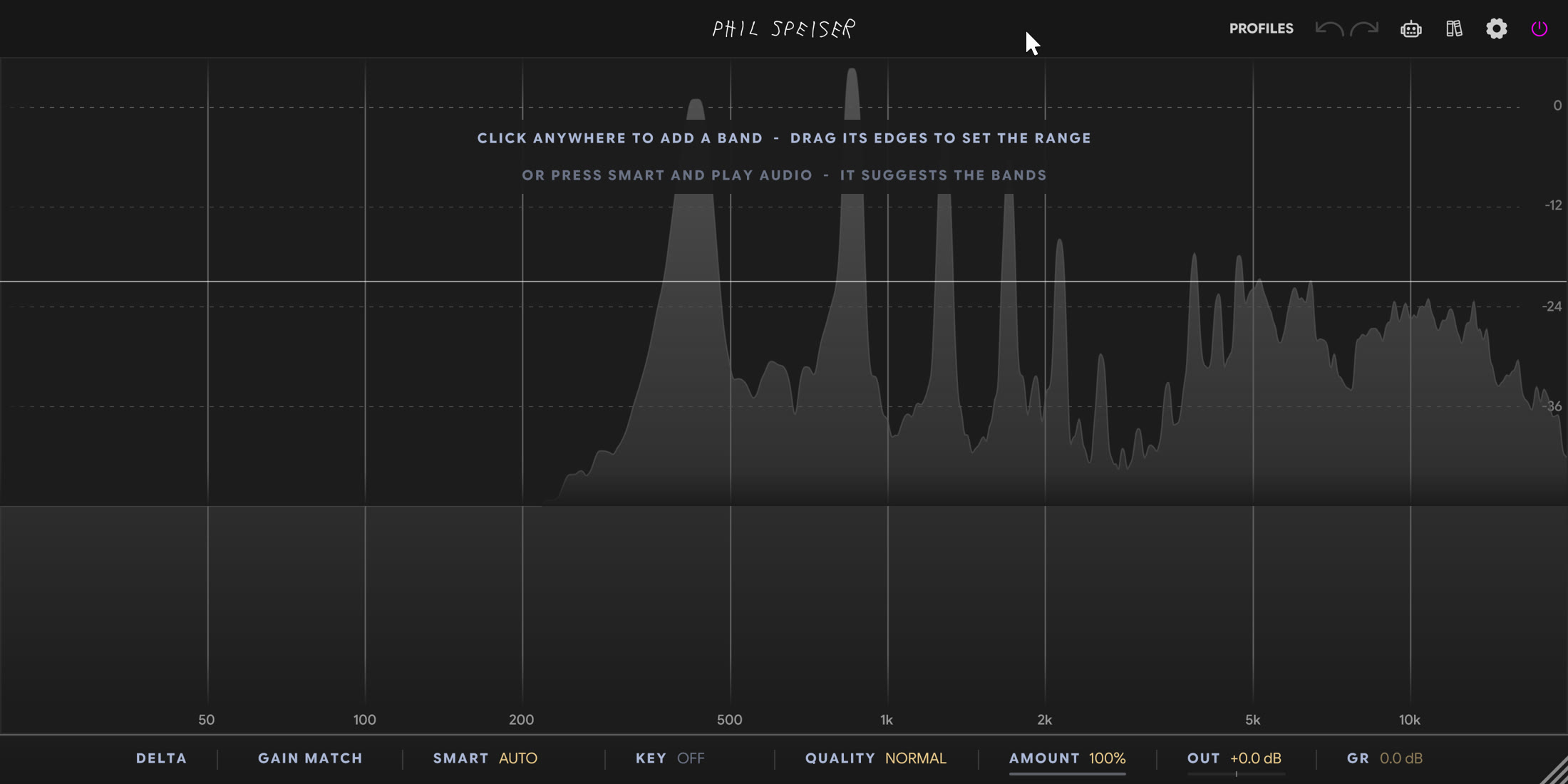
Hit SMART, play the part that sounds harsh, and it puts the problem frequencies right on the spectrum. Hold S to hear one, click to make it a band. You decide which ones stay.
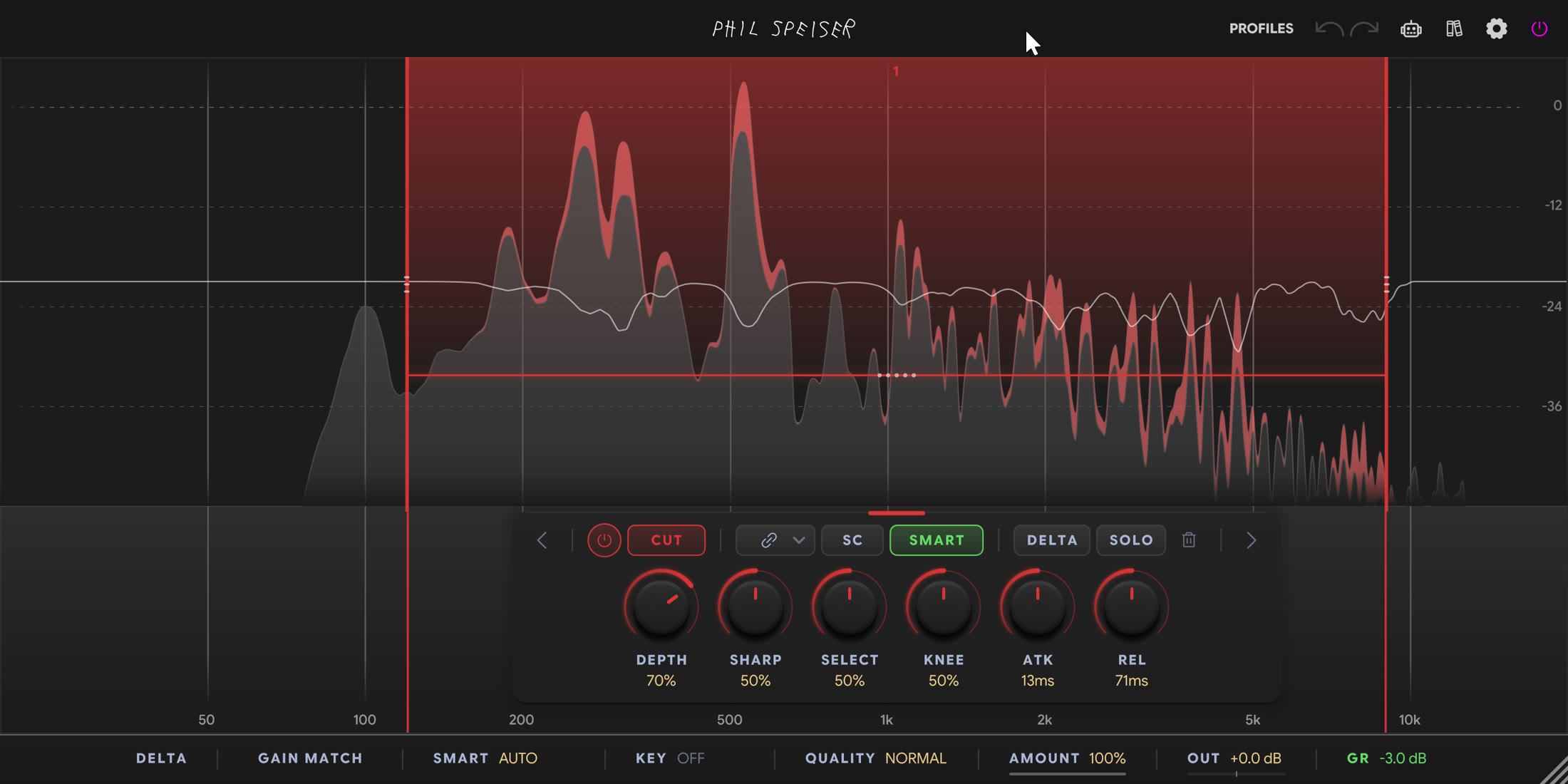
IT KNOWS WHAT KEY YOUR SONG IS IN.
Switch KEY on and set your key. Notes that belong in your song are spared, resonances that don't get pushed harder. Your performance keeps its notes - the junk goes.
SEE IT. GRAB IT. FIX IT.
One band on the mud, one on the harshness, one to lift the air - up to 8, each with its own job, drawn right on the spectrum. Click to add, drag to shape, switch any band between CUT, SHAPE and LIFT. Flip DELTA and you hear only what you're taking out - so you know it's the problem, not the music.
FROM ZERO LATENCY TO STUDIO QUALITY.
Track vocals through LIVE at 0 samples of latency. Mix on ECO, NORMAL or HIGH. Finish on ULTRA or MAX for the smoothest result. ECO to MAX share one latency, so switching never shifts your session - and by default your bounce sounds exactly like what you heard.
WATCH THE_SMOOTHER 2 IN ACTION
A FIRST LOOK
- Resonances, Not Notes
- Tells a resonance from a held note - the resonance gets pulled down, the note keeps its body
- Hits Stay Hits
- A hit lifts a whole region, a resonance only itself - drums keep their attack, the resonance after them is cut
- The Cut Fits the Problem
- The bigger the resonance, the deeper the cut. DEPTH sets how far
- No Smear
- Every cut is a designed filter - no pre-ringing in NATURAL phase, LINEAR phase when you need it
- Detail Up Top
- Push SHARP past 90% and it reads hats, cymbals and bright mixes line by line
- Your Bounce = Your Mix
- Bounces use the quality you mixed with by default, at the same latency
- 8 Bands on the Spectrum
- Click to add, drag to move, pull the edges to set the range
- CUT, SHAPE, LIFT
- Cut resonances, even a range out toward a smooth target, or lift what dips
- SMART
- Finds the problem frequencies for you - tuned for Vocal, Drums, Bus, Bass or a Target reference
- KEY
- 12 roots and 6 scales. Spares your notes, leans on the resonances that don't belong
- DELTA & SOLO
- Hear only what you take out - per band or for the whole plugin
- GAIN MATCH
- Matches the output level for an honest before/after
- LIVE: Zero Latency
- 0 samples for tracking and performing
- ECO to MAX
- Same latency at every level - higher levels move smoother for more CPU
- Mid/Side & L/R
- Every band on both sides, left, right, mid or side
- Sidechain
- Duck a pad only where the vocal needs room - or cut what resonates in another track
- Profiles
- DE-HARSH, DE-MUD, BALANCE IT, GOLDEN MASTER and more - plus your own
- VST3, AU, AAX
- Mac and Windows
WATCH HOW I PRODUCE. THEN MAKE IT YOURS.
Hours of tutorials and masterclasses where I take you through my sessions, step by step. And in my AI-supported tutorials, you can ask questions in real time while you watch.

Loading TrustPilot data...









WORKS WITH ALL MAJOR MUSIC SOFTWARE
MAC (Intel or M-Processors) | WINDOWS
VST3, AAX, AU
Frequently Asked Questions
THE_SMOOTHER 2 works with any music software hosting VST3, AAX, or AU plugins—like Ableton Live, Pro Tools, FL Studio, Logic, GarageBand, Cubase, and Reaper. Both Windows and macOS (including M1 and higher) are supported.
An EQ cut is there all the time. THE_SMOOTHER 2 cuts only while a frequency resonates, and only as deep as it needs to - so the note, the hit and the air around it stay.
No. It tells a hit from a resonance: the hit goes through, the resonance after it gets cut. Want even more attack? Turn ATK up.
Yes. Set QUALITY to LIVE for 0 samples of latency. It reacts a little later than the other levels - the honest trade for zero latency - and your bounce prints exactly what you monitored.
49 ms in the default NATURAL phase, 94 ms in LINEAR - the same at every quality level and in your bounce, and your DAW compensates it. LIVE adds none.
Often not. Put a band over the sibilance, push SHARP up and ATK down, and it takes the ess only when it's there.
VST3 and AAX on Mac and Windows, plus AU on Mac.
I'm super confident you'll love THE_SMOOTHER 2, but if you discover it's not the perfect fit within 30 days of purchase, just reach out. I'll handle a smooth license transfer and give you a full refund—no hassle.
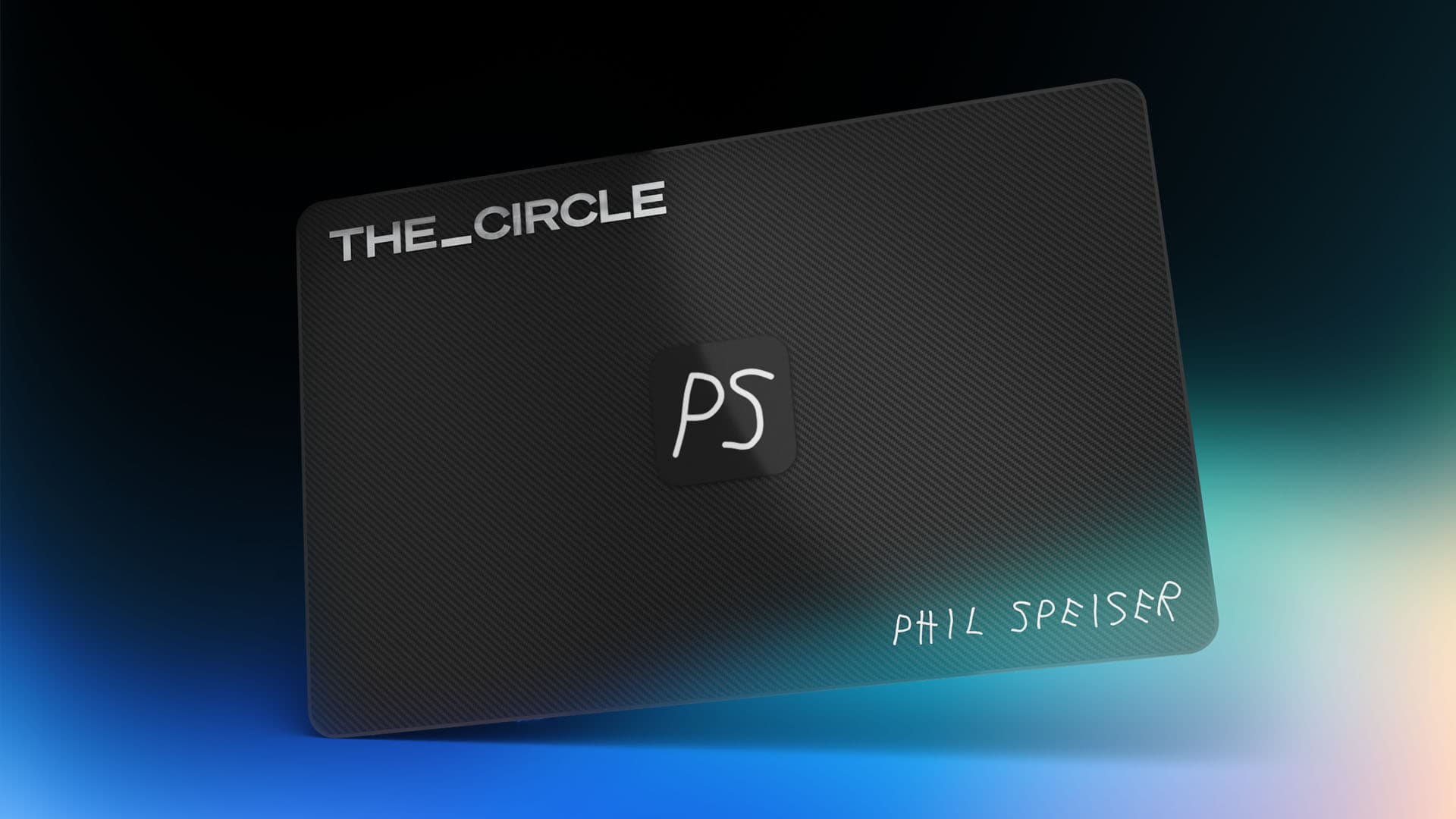
MY WHOLE MUSIC PRODUCTION WORLD. ONE MEMBERSHIP.
JOIN

Every plugin I make, including the ones that exist only in THE_CIRCLE. THE_CIRCLE APP with my web tools. Sample packs, masterclasses and early access to everything new.
