How to Create Real-Time Audio Visuals Straight from Your DAW
A step-by-step guide to creating real-time audio reactive visuals for TikTok, Reels, YouTube, and widescreen content - directly from your DAW, no routing required.
Stock visualizer templates look generic. OBS setups with virtual audio cables break every other session. There's a faster way to get real-time audio reactive visuals directly from your DAW - and it doubles as a professional metering tool.
How to Get Real-Time Audio Visuals from Your DAW
Add THE_METER plugin to the master bus of your DAW. I use it to quickly check if a track is ready for release - loudness, dynamics, spectrum, streaming targets. One glance.
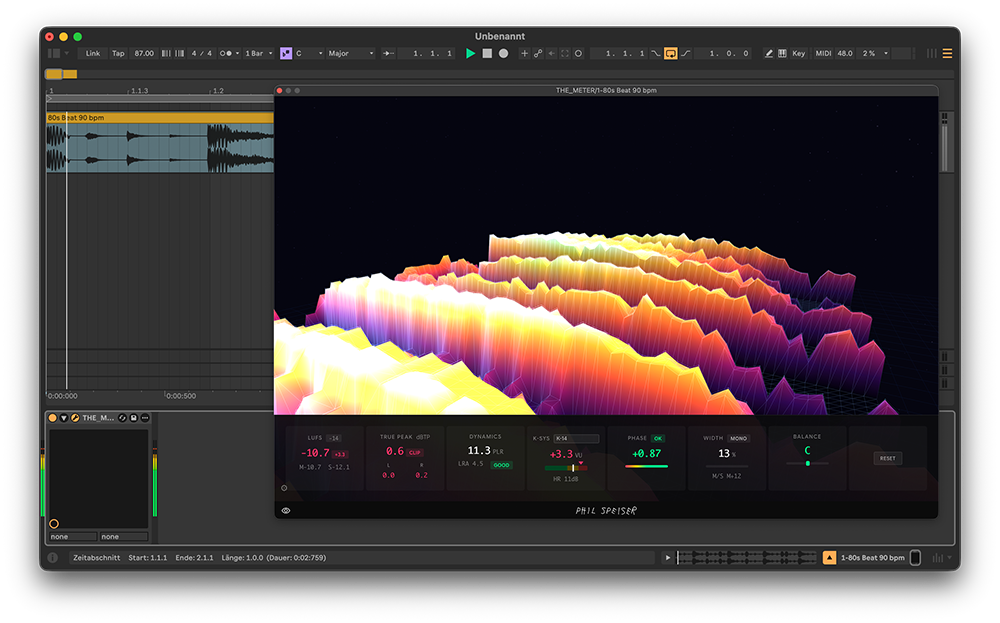
The plugin also sends audio data to the desktop app. That's where the visuals come in.
The Desktop App: No Routing, No Loopback, No Setup
Close the plugin window. Open the THE_METER desktop app. It picks up the audio from your DAW instantly - shared memory, zero configuration.
The app is a standalone window. Resize it to any dimension, drag it to a second monitor, screen-capture it with OBS. No plugin window limitations.
The desktop app receives audio from the plugin via shared memory. No virtual cables, no loopback devices, no latency. Open it and it works.
Widescreen Audio Visualizer for YouTube and Livestreams
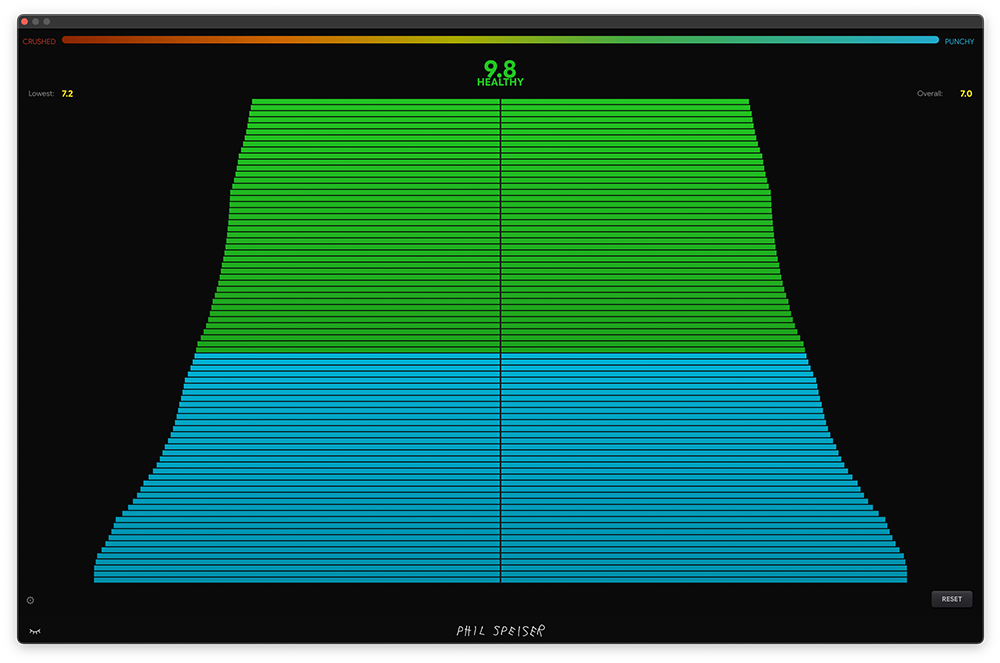
Stretch the window wide and it switches to wide mode - completely different visual layouts optimized for widescreen. 3D terrain spectrograms, reactive waveforms, spectrum displays that look like they belong behind a festival stage.
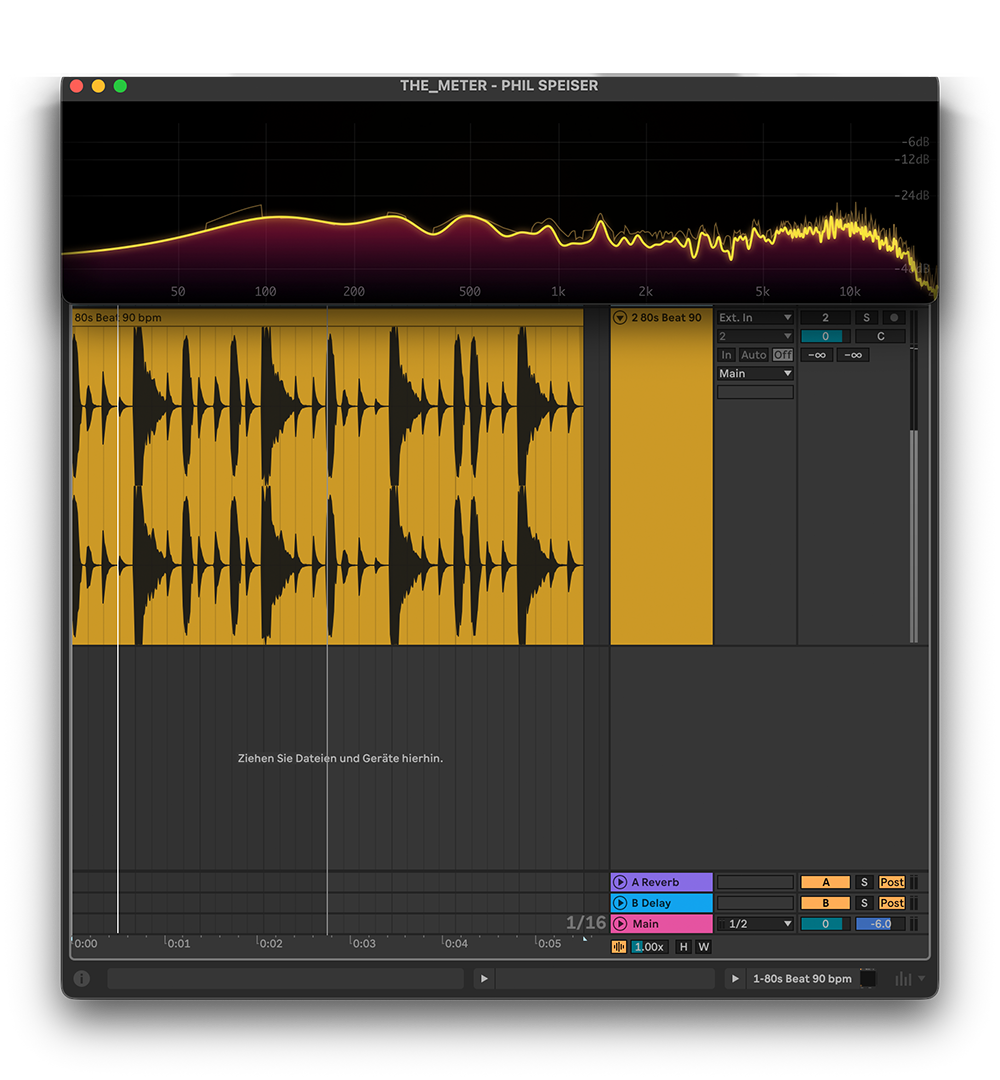
YouTube backgrounds, Twitch overlays, studio livestreams - or just making your second monitor look insane while you work.
Multi Mode: Stack Multiple Audio Visualizations
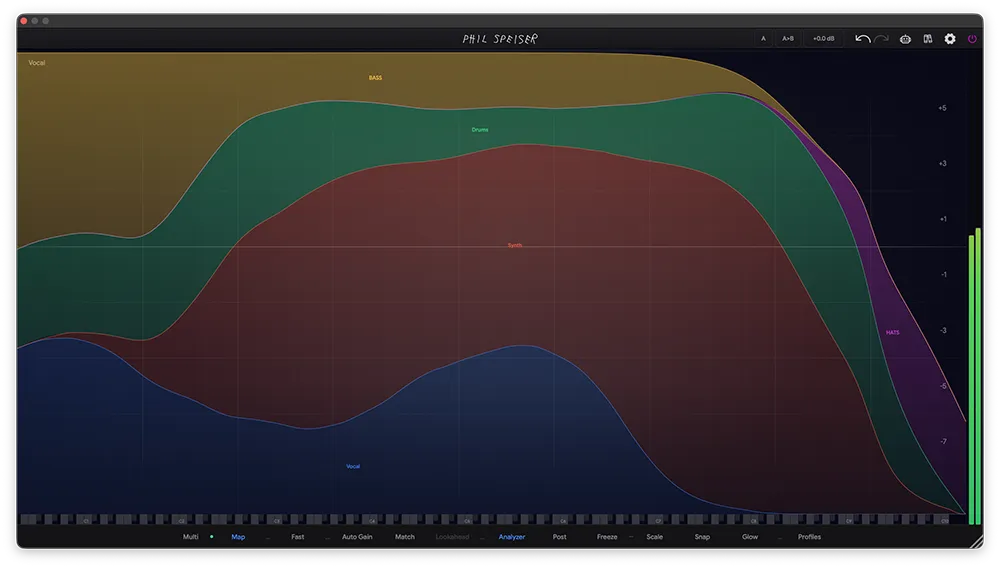
Turn on multi mode to display several visualizations simultaneously. Spectrum analyzer on top, 3D terrain below, oscilloscope in the corner - whatever combination you want.
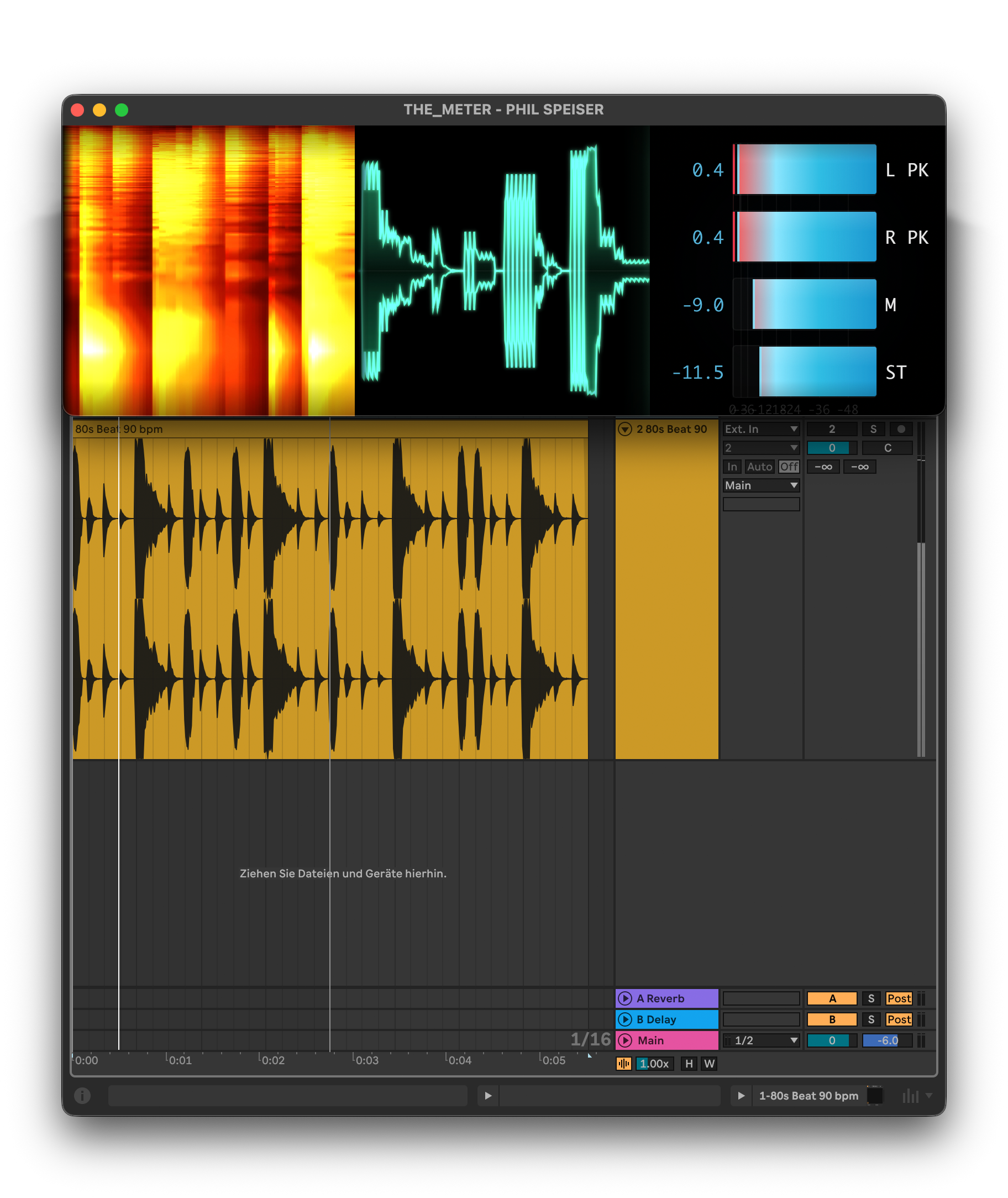
Each visualization gets its own color palette and speed. Blue-tinted spectrum at high reactivity next to a slow amber terrain map. Every combination is unique to your track.
Customize each visualization's colors independently. Match your brand, your artwork, or just whatever looks best on camera. The speed slider controls how reactive each one is to the audio.
Audio Visualizer for TikTok, Reels, and YouTube Shorts
Drag the window into portrait orientation. The visualizations adapt automatically. Record your screen, play your track, post. That's the entire workflow.
Metering and Visuals. One Tool.
THE_METER plugin handles your metering and analysis. The desktop app turns that same audio into visuals you can actually use for content. No separate apps, no routing, no subscriptions. One plugin, one desktop app - both sides covered.